AI Motion Transfer
Use AI Motion Transfer to realistically transfer motion and sound from any video onto a photo.
“I can't believe how effortlessly I can emulate other videos with this tool!”
— Moshin T.
How AI Motion Transfer Works
Bring your characters to life by transferring motion from a reference video in three simple steps.
Upload Photo
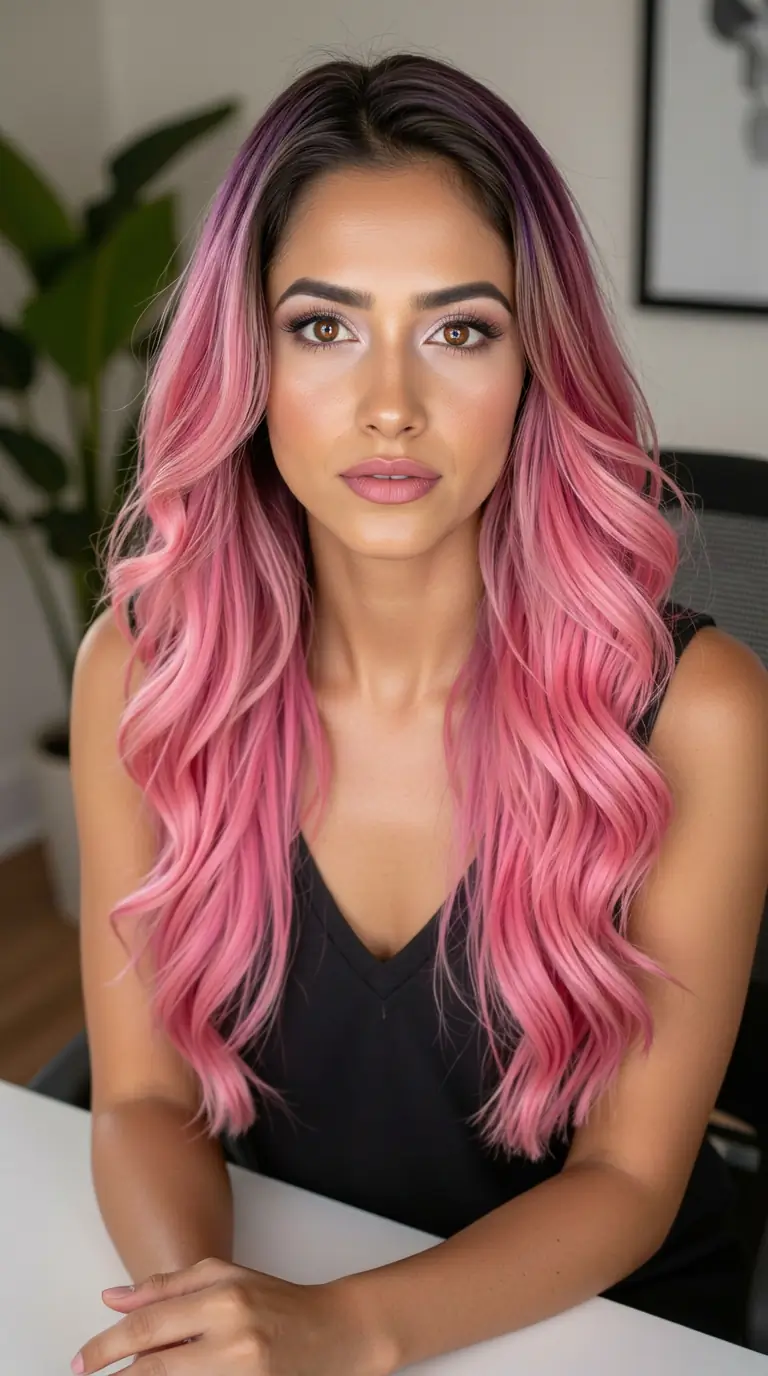
Choose a high-quality character image (JPG, PNG) that you want to animate. Full body or mid-shot works best.
Choose Motion
Upload a reference video (max 30s) containing the movement you want to transfer. The AI will extract the motion from this clip. You can also choose to change the voice here if requried.
Generate Video
The AI maps the motion from your video onto your character photo, creating a realistic motion transfer in minutes.
Why use AI Motion Transfer?
Unlock new creative possibilities with AI Motion Transfer, by bridging the gap between static imagery and dynamic video.
Viral Social Content
Create viral social content with AI motion transfer magic. Make any static photo mimic trending dance challenges or memes instantly.
Indie Filmmaking
Animate storyboards or bring background characters to life. Visualize scenes quickly by transferring actor performances.
Dynamic Marketing
Stop the scroll with motion. Transform static product shots or brand mascots that grab attention in feeds leveraging AI motion transfer.
AI UGC
Replace traditional user-generated content with AI influencers replicating real human movement. Create authentic, scalable social videos without managing creators. Works best with The Influencer AI for consistent characters.
Fashion & E-Commerce
Bring your models to life. Transform static lookbooks into dynamic videos to showcase how apparel fits and moves on a real person.
And So Much More
Limited only by your imagination. We haven't even discovered all the potential use cases yet—what will you create?
Tips for Best Results
Follow these simple guidelines to create professional-quality animations with AI Motion Transfer.
Use Clear Full-Body Photos
For best results, upload a photo where the character's full body is visible. Front-facing or slightly angled poses work best for accurate motion mapping.
Simple Backgrounds work best
Try to use reference videos with a clean, uncluttered background. This helps the AI motion transfer algorithm isolate the motion you want to transfer without getting confused by background movement.
Steady Camera Movement
Avoid reference videos with shaky camera work or extreme zooms. A steady, fixed camera angle allows the AI to capture the subject's movement more precisely.
Good Lighting is Key
Ensure both your reference photo and video are well-lit. Shadows or dark areas can obscure details, making it harder for the AI to track and transfer motion accurately.
Want to bring your motion transfer videos to life with a custom AI influencer?
Don't just transfer motion to random, inconsistent characters. Create your own consistent AI influencer that represents your brand identity.Use The Influencer AI to craft a virtual persona that can do it all: lip-sync to your audio, hold your actual products, star in your motion transfer videos, and generate AI UGC at ad-testing volume.Stop relying on stock avatars. Build an asset that you own and control 100%.