
“The easiest AI Influencer platform you'll ever need. I can batch create 100 reels in just few minutes and months worth of content in just one hour.”
Anangsha Alammyan
Writer, YouTuber
Posting every day means shooting every day. Add 1 to 4 photos once, then make new photos, Reels and talking videos of yourself whenever you need them.
Next: a free account, then the Creator free trial. Cancel anytime.
Your photos are private and only used to make your clone.
“What I loved most was the realism and consistency. She moved and smiled like a real person.”
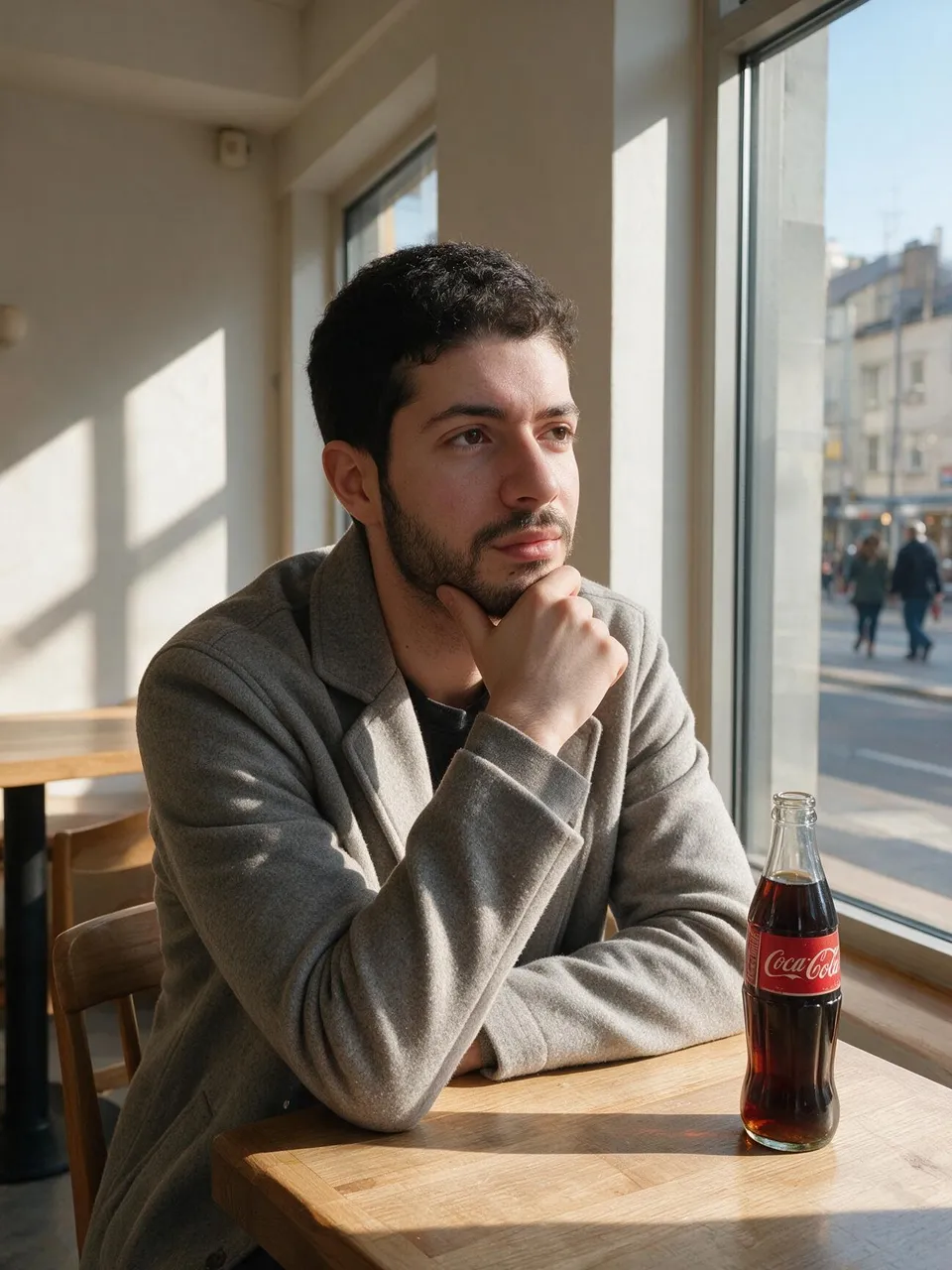
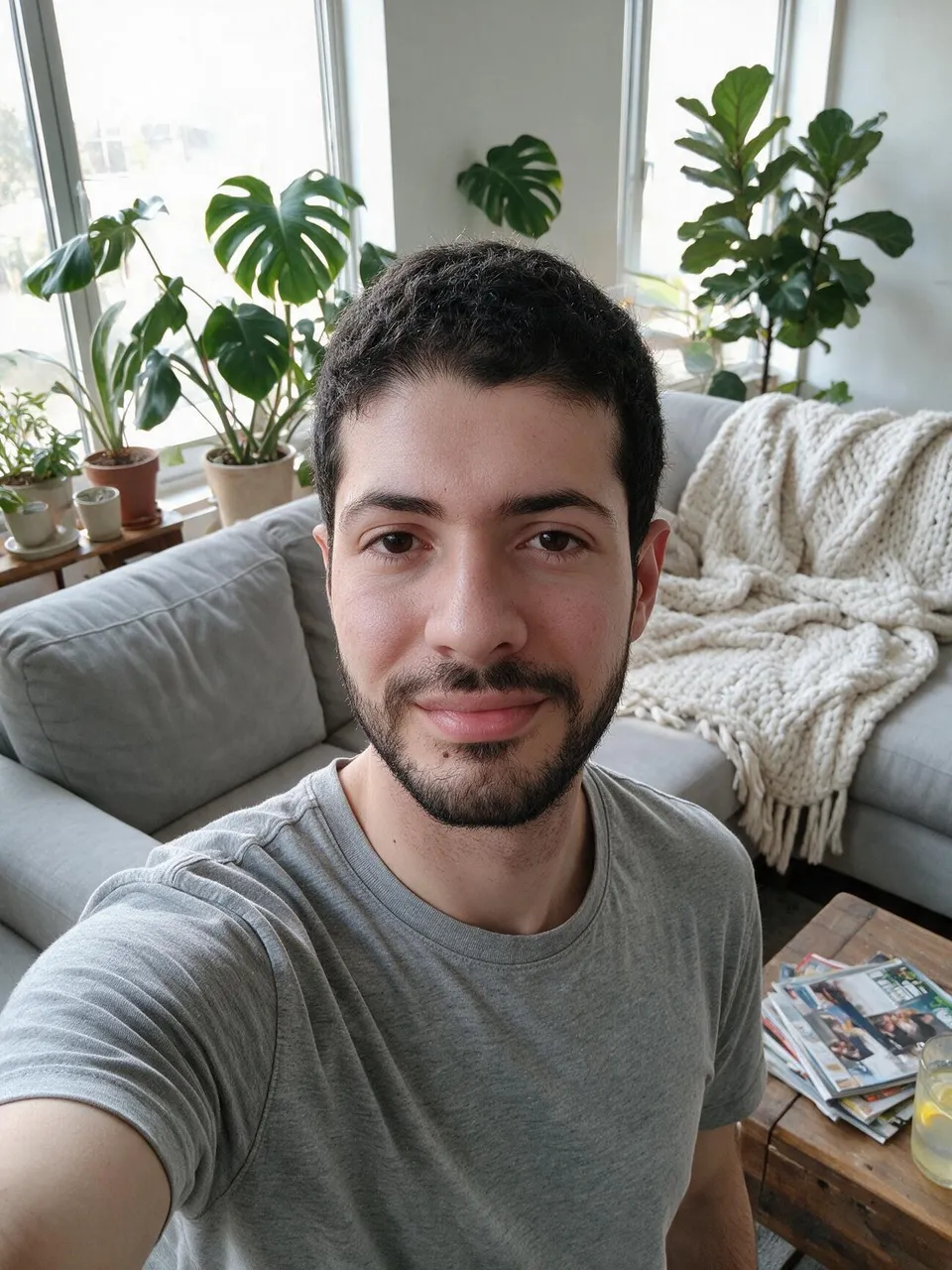
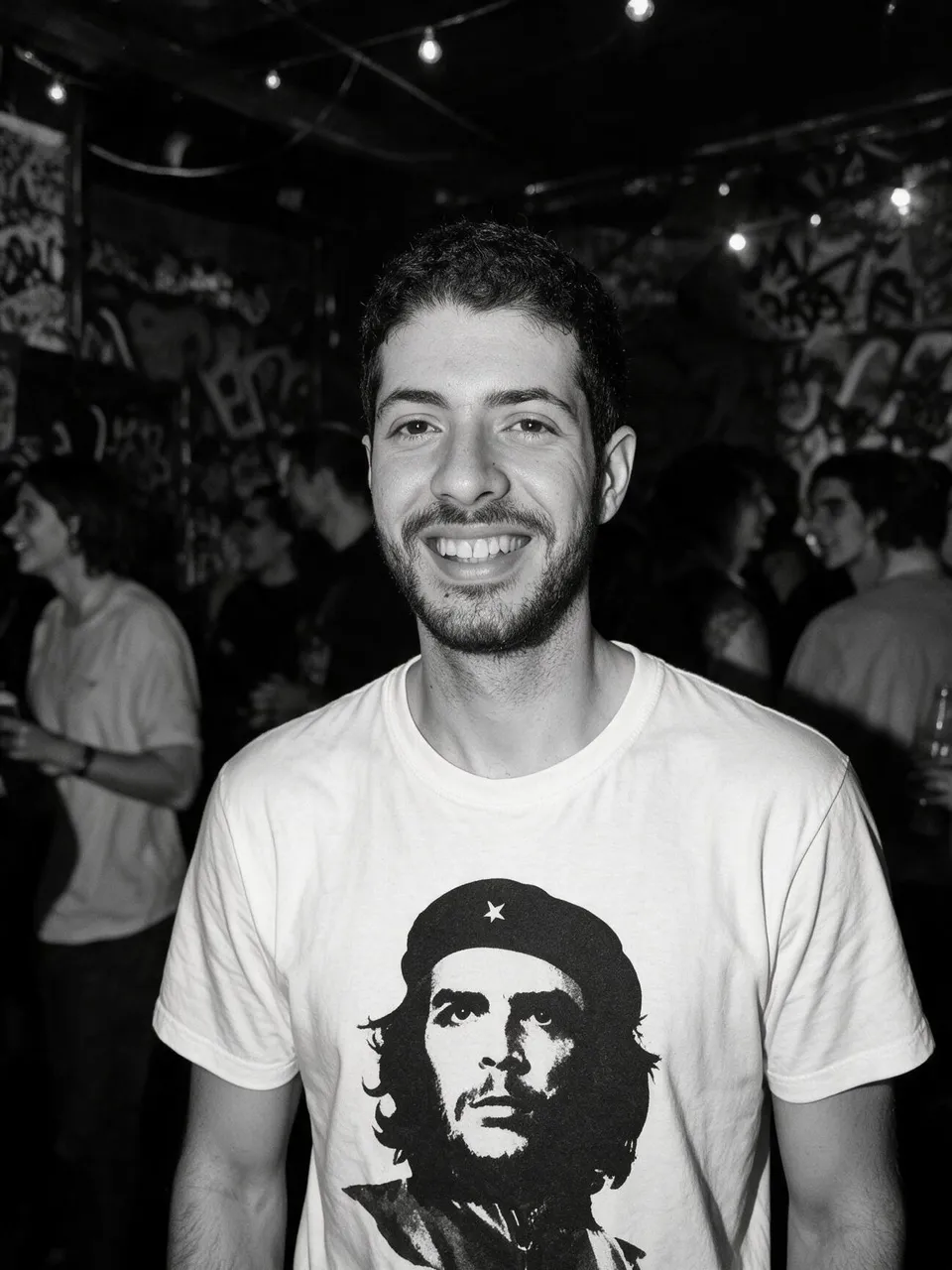
The photos Zee added
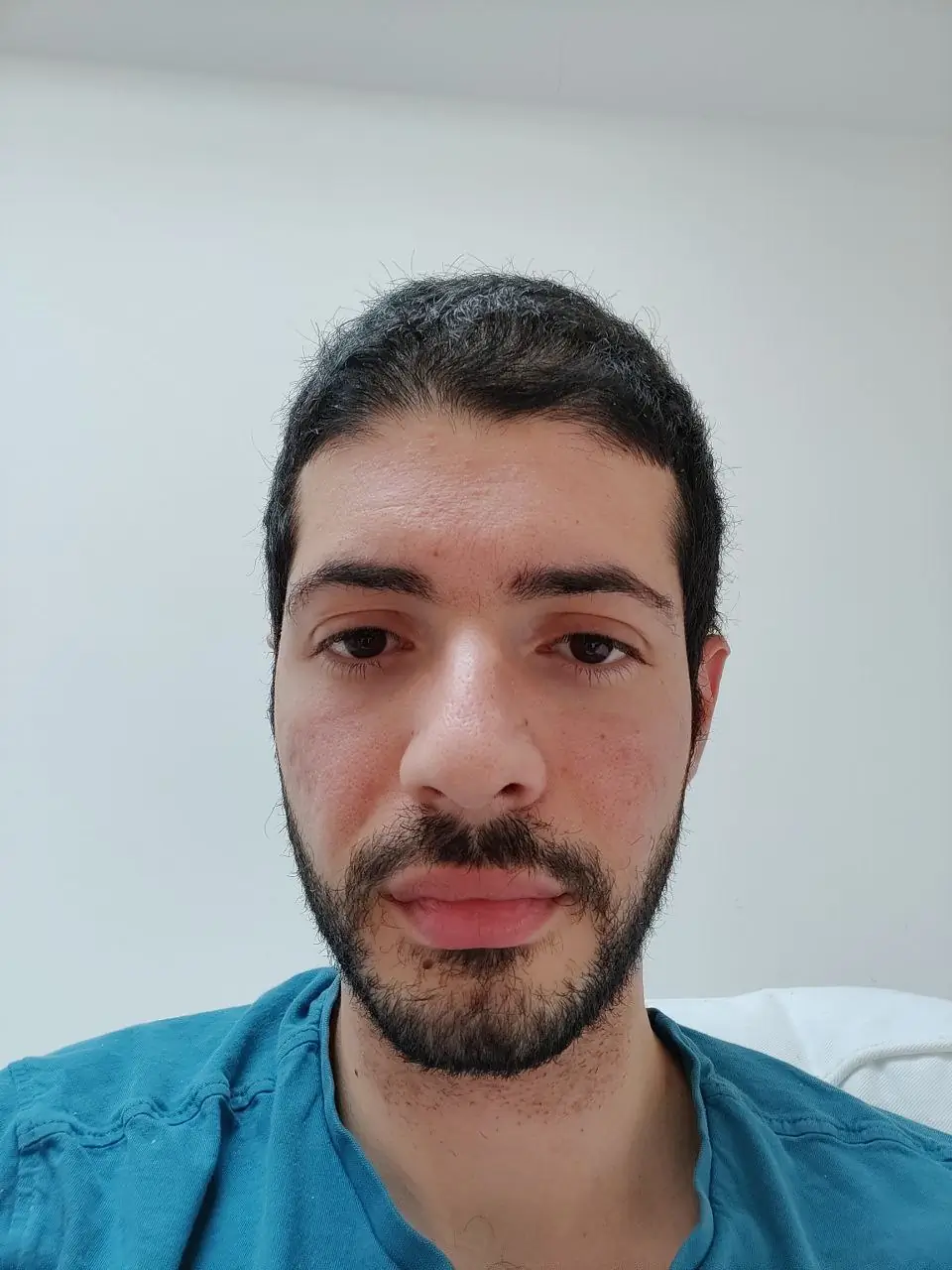
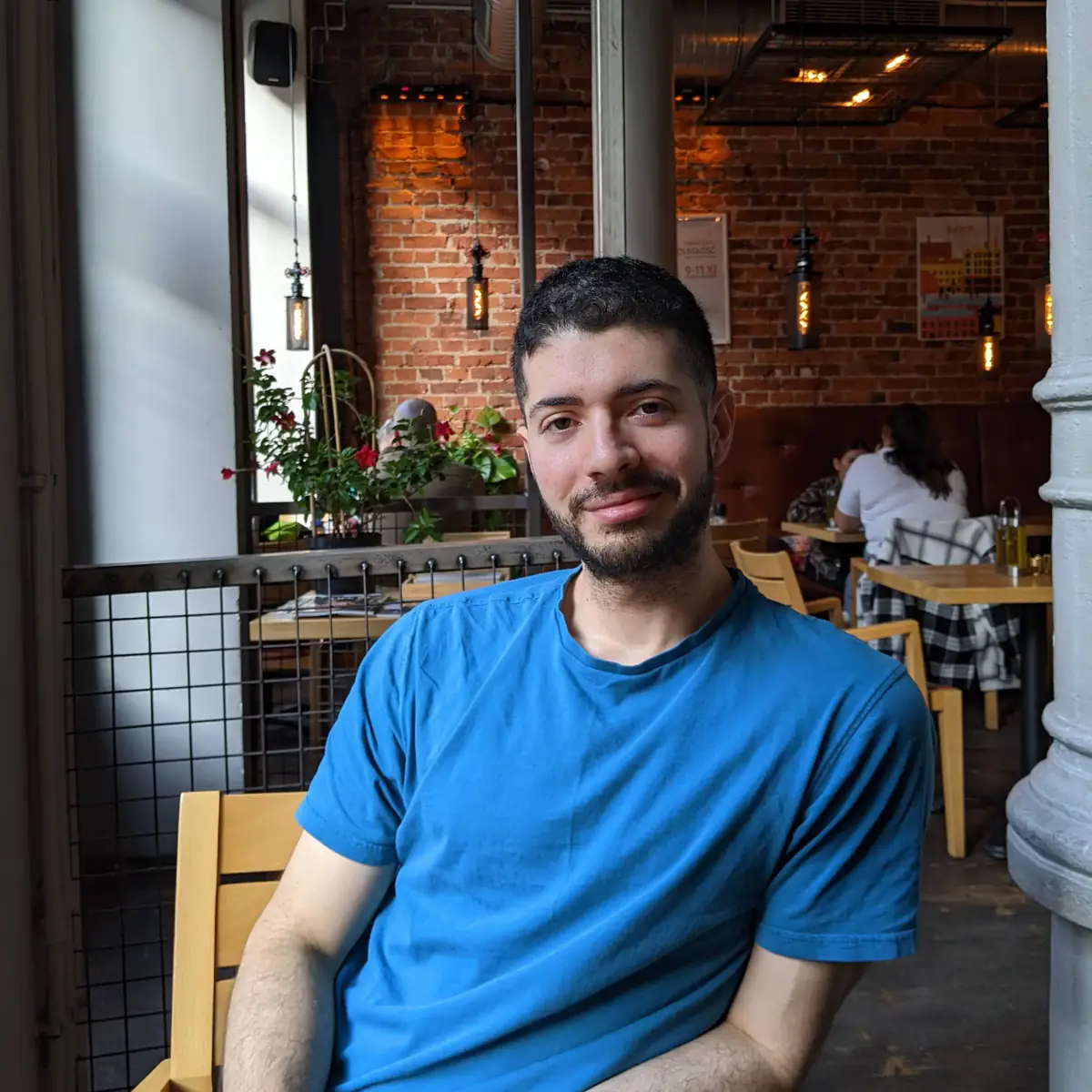
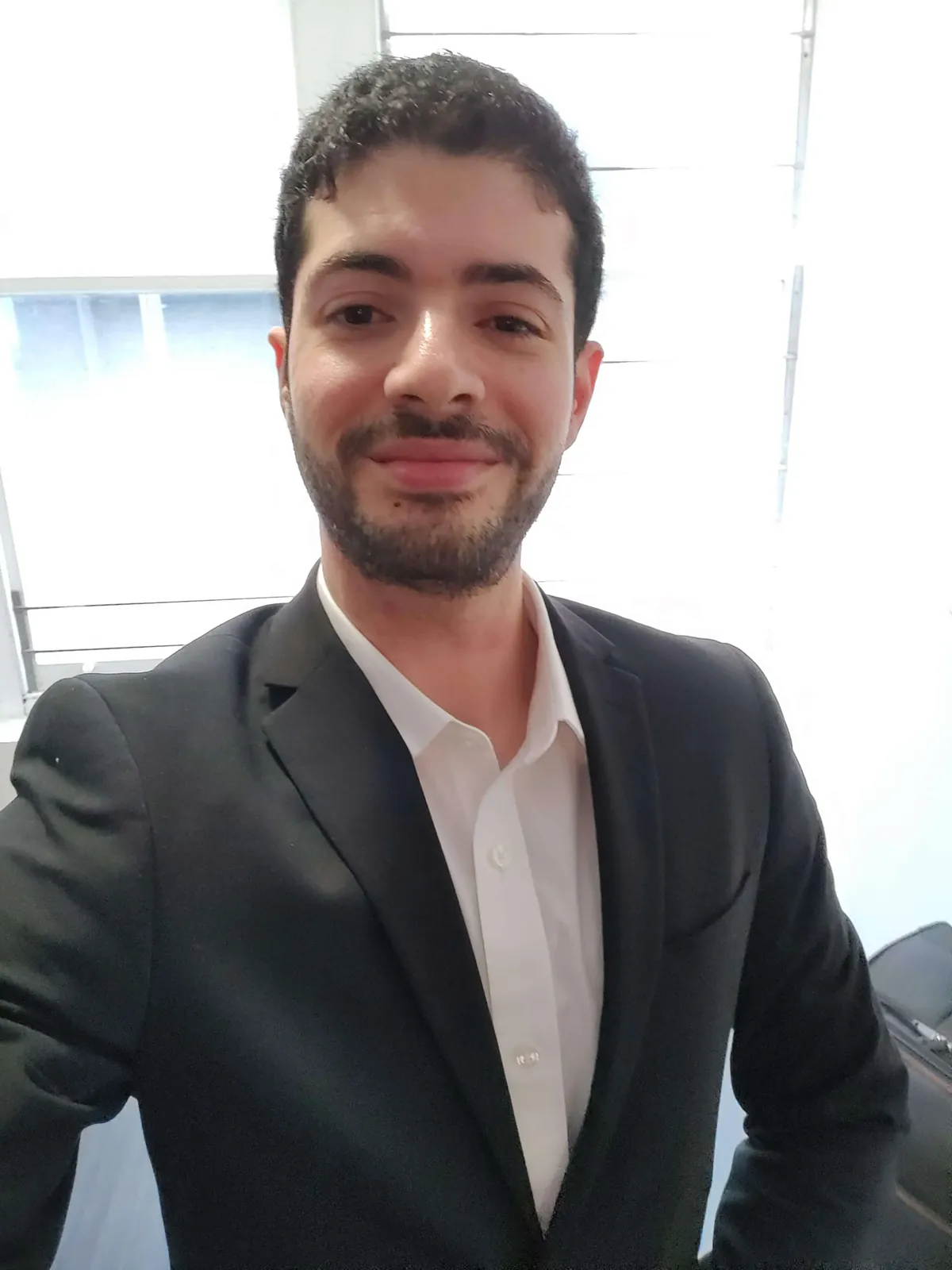
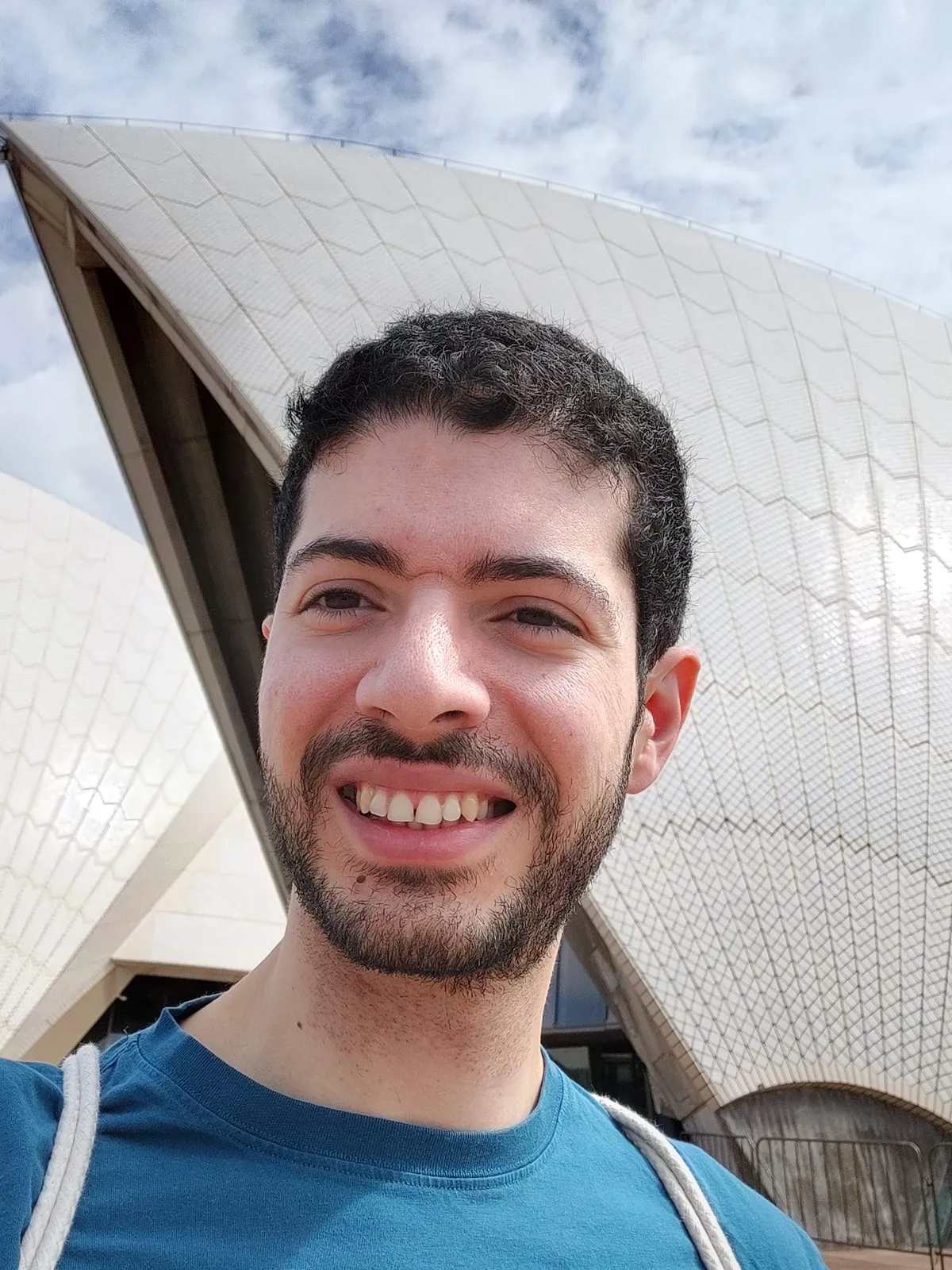
What the clone made
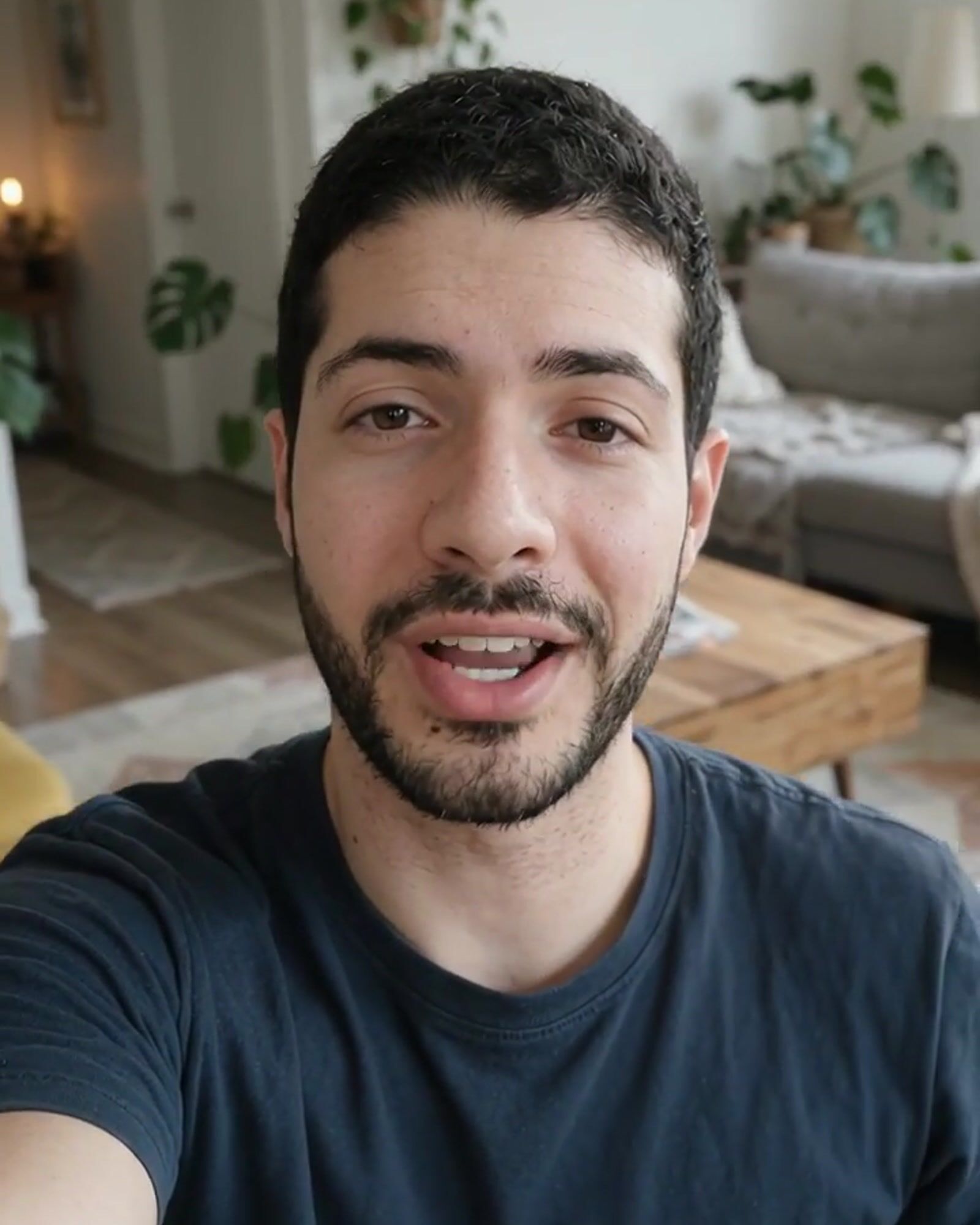
None of the results is one of the uploads. Each is a new photo or video of the same person, made from a description of the scene.
Your clone copies the face it sees in your photos: eye shape, nose, lips, jawline, skin tone and hairline. It ignores what you're wearing and where you are. So the best set shows your face clearly, on a few different days. One photo works; three or four give a closer likeness.
Face clearly visible. Looking at the camera or slightly turned, eyes open, hairline showing. The clone can only copy what it can see.
A few different days. Different places, clothes and lighting. When the only thing your photos share is your face, the clone can tell what is you from what was that day.
Only you in the photo. No group photos, so there's no doubt whose face to copy.
Your clearest photo first. The first photo you add becomes your clone's profile picture and is the one your videos use.
The same look throughout. Hair, beard and glasses as you wear them now. The clone blends what it sees, so mixed looks give a mixed result.
Sunglasses, hats or a covered face. Anything hiding your eyes, hairline or jaw leaves the clone guessing. Cut-off faces do the same.
Filters and beauty modes. The clone copies what it sees. Smoothed skin or a reshaped face carries into every photo and video it makes.
Small or blurry photos. Under 512 pixels on the short side gives a weaker likeness. The original from your camera roll beats a copy saved from a chat app.
Keep the same look in all four: hair, beard and glasses as you wear them now, since the clone blends what it sees. Photos need to be JPEG or PNG. iPhone photos are converted for you when you pick them on the phone. Don't worry about the outfit or the background, since the clone doesn't keep them.
Photos from your camera roll work. Just you in each shot, face clearly visible, from a few different days.
No training and no waiting. It's saved to your account and private to you.
Describe a scene for a photo, or write a script for a talking video. Every result starts from the same saved clone.
Most clone tools make a talking video of you. Here the same clone also makes photos, so your feed, your ads and your videos all show one person.
 Podcast
 Gym selfie
 Beach
Describe a scene, outfit or place and get a new photo of yourself in it, 1 credit each.
Change the background, try on an outfit, or put your real product into a shot you already have.
Your clone says your script with lip sync, in a voice you pick from the library.
Copy the movement of a reference video, such as a trending Reel, onto your clone.
Write the script in another language, pick a native voice, and re-voice a video you already made.
The inspiration gallery shows Reels that outperformed their creator's usual posts, each with a recipe to remake it as you.
Videos run up to 30 seconds on the Professional plan, the length of a Reel, a TikTok or a short ad. To make ads with your clone, see the AI UGC generator. To design a character instead of cloning yourself, start with the AI influencer generator.
The Influencer AI makes an AI clone of you from 1 to 4 photos, with no video to film, and the same clone makes both photos and videos. HeyGen, Captions and D-ID make talking avatar videos of you.
| Tool | Makes your clone from | New photos of you | Videos of you |
|---|---|---|---|
| The Influencer AI | 1 to 4 everyday photos. No video to film, and it's ready right away | Yes: new photos in any scene or outfit, plus edits, outfit try-ons and product shots | Talking videos and bring any photo to life. Change the script or the language of a video you already made, copy the motion of any reference clip, add captions, and extend videos. |
| HeyGen | A photo, or a video of 2 minutes or more | Avatar looks in new outfits and scenes, made to use in its videos | Talking avatar videos from a script and translations |
| Captions | A selfie, or 10 seconds of footage | No, videos only. Outfits and backgrounds change inside the video | AI twin videos with captions |
| D-ID | One frontal image, or a video of 1 minute or more | No, videos only | Talking-head videos from a script or a voice recording |
Read on November 18, 2026 from each tool's own product and pricing pages.
Choose The Influencer AI to post as yourself on Instagram and TikTok: feed photos, Reels and talking clips of the same person, from one clone. It's included on the Creator plan ($39/mo) and up, with a free trial. For more tools, see the best AI influencer generators.
“The easiest AI Influencer platform you'll ever need. I can batch create 100 reels in just few minutes and months worth of content in just one hour.”

“What I loved most was the realism and consistency. Jade didn't just look real; she moved and smiled like a real person.As someone on a tight budget, having an entire digital influencer available 24/7 to create content is a game-changer.”

“Honestly, this is one of the best I've seen so far. The platform is intuitive, images are great, looks realistic, not AI-y. Super videos too!”
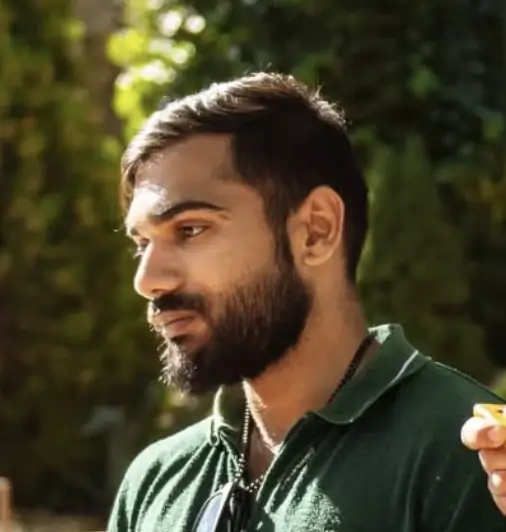

“The Influencer AI completely changes the game for us. We can now create one consistent AI influencer, maintain the same look and vibe across all videos.Instead of endlessly coordinating with UGC freelancers, we can focus on storytelling and growth.This is a serious unlock for anyone serious about social growth and brand presence, my five stars.”




Your clone is locked to your account, never shared with other users, and never used to train anything else. Delete it anytime.
Yes. On The Influencer AI you upload 1 to 4 everyday photos of yourself and your AI clone is ready right away, with nothing to film and no training to wait for. It's included on the Creator plan ($39/mo) and up.
One photo is enough, and three or four give a closer likeness. Pick photos where your face is clearly visible and you're the only person, taken on a few different days, so the clone learns your face and not one outfit or place. Add your clearest photo first: it becomes your clone's profile picture and the photo your videos use. Keep the same hair, beard and glasses throughout.
New photos of you in any scene or outfit, edits to photos you already have, outfit try-ons, product shots, talking videos with lip sync, and videos that copy the motion of a reference clip. Every one uses the same saved clone, so you look the same throughout.
You pick one from the voice library for your talking videos, including native voices for other languages. Your clone says your script with lip sync.
HeyGen, Captions and D-ID make talking avatar videos of you. The Influencer AI makes your clone from 1 to 4 photos and uses that same clone for new photos as well as videos, so your feed photos, Reels and talking clips all show the same person.
Yes. People use a clone to keep an account posting without shooting every day: feed photos, Reels, talking clips and product posts. You get commercial rights to what you generate. Instagram and TikTok ask you to label realistic AI-generated content, so add their AI label when you post.
Yes. Your clone is locked to your account, is never shared with other users, and is never used to train anything else. You can delete it at any time.
Only yourself, or someone who has given you permission to use their likeness.
Cloning yourself is included on the Creator plan ($39/mo) and up, with 250 credits a month. A photo is 1 credit. There's a free trial, and you can cancel anytime. See plans and credit costs.
They're two names for the same thing: an AI version of you, made from your photos or footage, that can appear in new photos and videos. Some tools say AI twin, digital twin or AI avatar. The Influencer AI calls it your AI clone.
Free trial · Included on Creator, $39/mo · Cancel anytime